

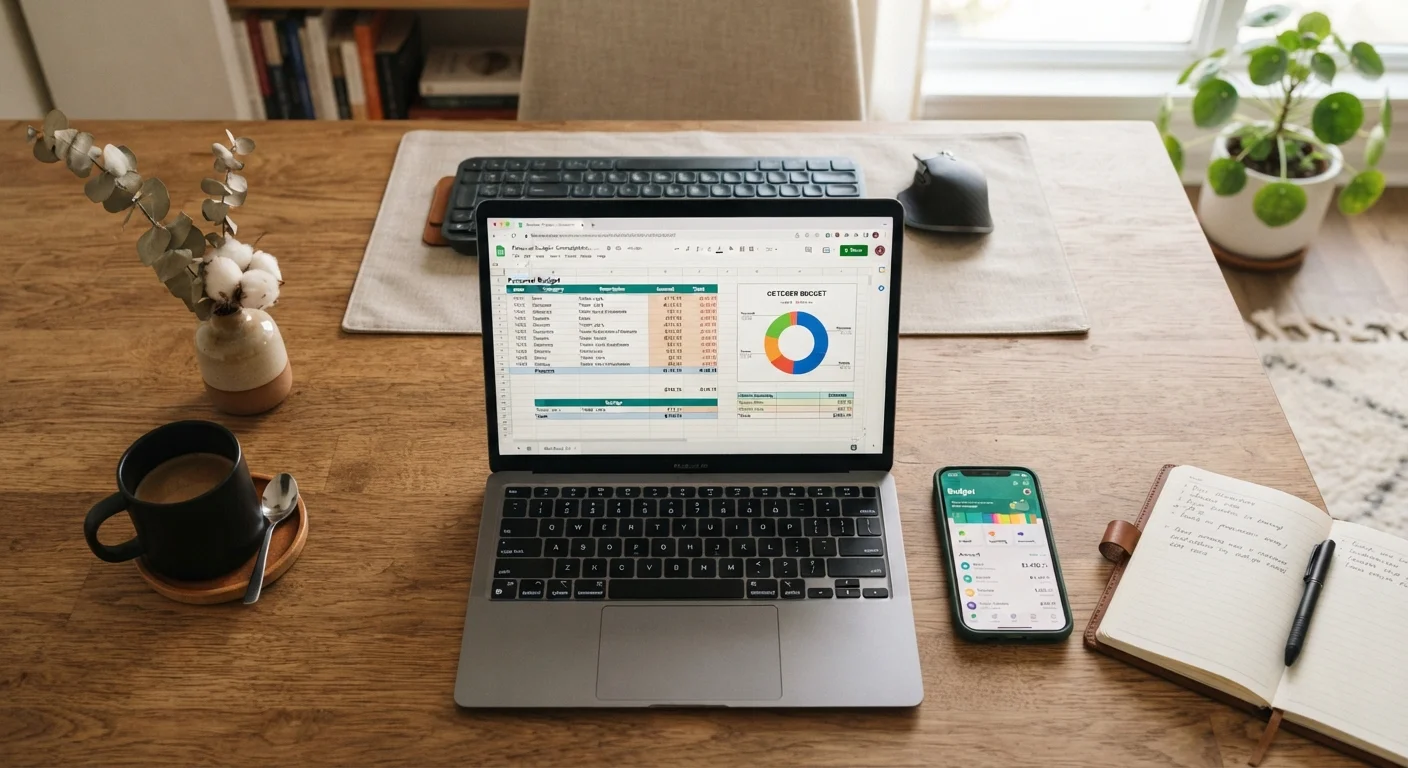
Option A
Spreadsheets
The flexible, build-it-yourself approach.
Best for: People who want complete control over categories, formulas, and layout without being locked into someone else's system.
Option B
Budgeting Apps
The automated, guided alternative.
Best for: People who want quick setup, automatic transaction syncing, and built-in reminders without manual data entry.
Why the Tool You Choose Actually Matters
Most budgeting advice focuses on what to budget-categories, percentages, savings targets. Far less attention goes to how you track it, and that gap is where a lot of budgets quietly fail. A system you find frustrating or confusing is a system you'll abandon by March.
The choice between a spreadsheet and a budgeting app isn't about which one is objectively better. It's about which format matches how you process information, how much time you're willing to spend on maintenance, and how much access you're comfortable granting to financial data. See our breakdown of household budget components if you need a refresher on what your budget should actually contain before choosing a tool to hold it.
How Spreadsheets Work as a Budgeting Tool
A spreadsheet-whether in Google Sheets, Microsoft Excel, or a comparable platform-is essentially a blank canvas. You define the categories, set the formulas, and decide how the data flows. That freedom is the main appeal.
Key advantages:
- Full customization: You can build columns for irregular expenses, seasonal costs, or side-income streams that no app template anticipates.
- No subscription cost: Google Sheets is free; many people already have Excel through work or school.
- Privacy: Your data stays in your own account-no third-party company is aggregating your transaction history.
- Longevity: A spreadsheet you build today will still work in ten years. Apps get discontinued or change their pricing models.
Key drawbacks:
- Manual entry: Every transaction needs to be entered by hand, or exported from your bank and imported. This takes consistent effort.
- Error-prone: A mistyped formula or accidentally deleted row can silently corrupt your numbers.
- Steep setup curve: Building a useful spreadsheet from scratch takes time, especially if you're not confident with formulas.
| Criterion | Spreadsheets | Budgeting Apps |
|---|---|---|
| Setup time | Moderate to high (build from scratch) | Low (guided onboarding) |
| Data entry | Manual or imported | Mostly automatic via sync |
| Customization | Unlimited | Limited to app's framework |
| Ongoing cost | Free or low (existing tools) | Often $5-$15/month for full features |
| Privacy | High (data stays local/personal cloud) | Lower (bank accounts linked) |
| Error risk | Formula or entry mistakes | Miscategorized transactions |
| Mobile access | Available but less seamless | Native, optimized experience |
| Long-term reliability | High (you control the file) | Depends on app's continuity |
How Budgeting Apps Work
Budgeting apps connect directly to your bank accounts, credit cards, and sometimes investment accounts via secure data-sharing protocols. Once linked, transactions import automatically and are categorized-often using machine learning that improves over time.
Key advantages:
- Automation: Transactions appear without manual entry, which lowers the friction of daily tracking significantly.
- Alerts and nudges: Most apps notify you when you're approaching a category limit or when an unusual charge appears.
- Mobile access: You can check your budget in seconds from anywhere, which makes in-the-moment decisions easier.
- Built-in structure: Pre-set categories and dashboards give new budgeters a ready framework-helpful if you're just starting out.
Key drawbacks:
- Subscription fees: Many robust apps charge monthly or annual fees. Free tiers often come with feature limits or ads.
- Sync errors: Automatic categorization is imperfect-subscriptions get misclassified, transfers get counted as income, and small errors compound.
- Data-sharing concerns: Linking bank credentials to a third-party service involves a real, if generally well-managed, privacy trade-off.
- Platform dependency: If an app shuts down or changes its terms, your historical data may not be easily exportable.
For practical methods to monitor daily spending regardless of which tool you use, see our guide on tracking your spending without losing your mind.
On App Security and Data Sharing
Most mainstream budgeting apps use read-only access to your accounts, meaning they can view transactions but cannot move money. Many also use third-party aggregators that comply with bank-level encryption standards. That said, linking financial accounts to any third party carries inherent risk. Review an app's privacy policy and data-retention practices before connecting your accounts-and check whether your bank officially supports the integration.
Choosing Based on How You Think
The most important selection criterion is cognitive fit-how your brain naturally organizes information.
You may prefer a spreadsheet if you:
- Like seeing all your numbers in one place and adjusting them freely
- Have non-standard income (freelance, seasonal, commission-based)
- Already use spreadsheets for other planning tasks
- Are skeptical about linking financial accounts to apps
You may prefer an app if you:
- Tend to forget to log expenses and need automation to stay current
- Prefer visual dashboards over rows and columns
- Want alerts rather than scheduled check-ins
- Are setting up a budget for the first time and want structural guidance
Note that your budgeting method-such as the 50/30/20 rule or zero-based budgeting-is independent of the tool. Both spreadsheets and apps can support either approach. If you're building your first budget, our first household budget guide walks through the setup process step by step.
~1 in 3
US adults who use a budget regularly
Surveys from multiple consumer finance organizations consistently find that fewer than half of US adults maintain an active, written budget of any kind.
83%
Budgeters who say consistency is their biggest challenge
Consumer research on personal finance habits regularly identifies inconsistent tracking-not the wrong tool-as the primary reason budgets fail.
A Practical Hybrid Approach
Many households find that neither tool alone does everything they want. A common and effective pattern: use an app for day-to-day transaction tracking and category alerts, then export or manually transfer monthly totals into a spreadsheet for longer-term planning, annual reviews, or goal tracking.
This hybrid approach lets you capture the automation benefits of an app while keeping your historical data and projections in a format you fully control. It does require slightly more maintenance, but for households with complex finances-multiple income sources, large irregular expenses, or detailed savings goals-the extra layer often pays off in clarity.
Whatever you choose, consistency matters more than perfection. A simple spreadsheet you update weekly beats a sophisticated app you stop opening after two months. Your budget is also a living document; switching tools as your needs evolve is completely reasonable. Building strong saving habits alongside your budget is equally important-explore the Saving & Credit hub for guidance on emergency funds and credit health.
This article is for general informational and educational purposes only and does not constitute personalized financial advice. Consult a qualified financial professional for guidance specific to your situation.
The content on this site is for informational purposes only and is not a substitute for professional advice. Always consult a qualified professional for guidance specific to your situation.