

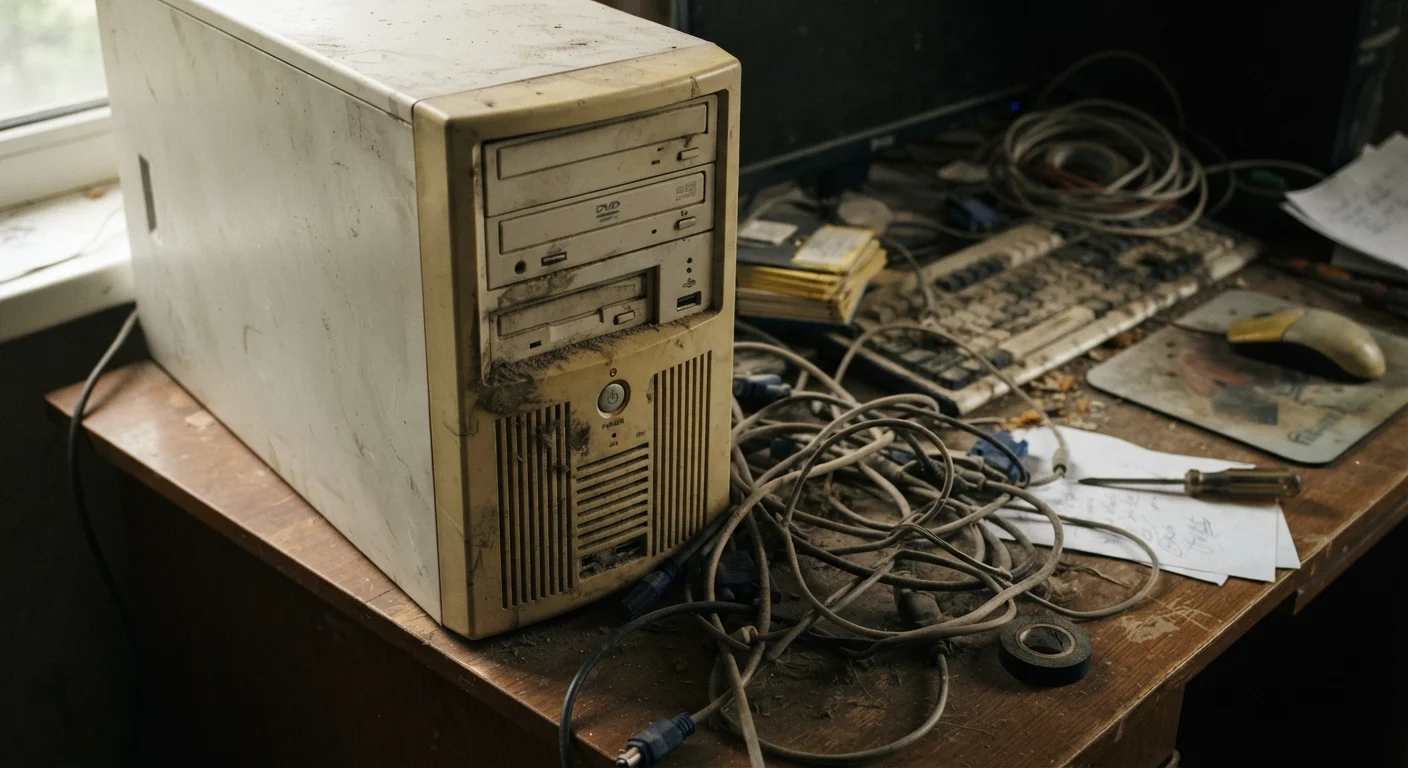
Software Accumulation: The Invisible Weight
When a computer is new, it runs lean. Over months and years, that changes. Every application you install can leave behind background processes, startup entries, browser extensions, and scheduled tasks - all competing quietly for processor time and memory. Many programs are designed to run constantly in the background to load faster when you call them, but collectively they drain resources you'd prefer to spend elsewhere.
This is one of the most common and underappreciated causes of slowdown. It's not that your hardware got worse - it's that the software layer sitting on top of it got heavier. Understanding which computer performance myths are actually true can help you separate real culprits from common misconceptions.
Audit Your Startup Programs Periodically
On Windows, you can review startup programs through Task Manager under the Startup tab. On macOS, check Login Items in System Settings. Disabling programs you don't need at launch is one of the fastest ways to speed up boot time and reduce background resource use. Aim to review this list every few months.
Storage Drives Fill Up and Age
Your storage drive is one of the first places performance degradation becomes visible. Traditional spinning hard disk drives (HDDs) slow down as they fill up. When a drive is nearly full, the operating system has less room to manage temporary files and virtual memory - a process where the drive temporarily stands in for RAM when physical memory runs short. The result is noticeable lag.
Physical wear matters too. Mechanical drives have moving parts that degrade over time, leading to longer read and write times. Solid-state drives (SSDs) don't have moving parts and age more gracefully, but they also perform best when not filled to capacity. Replacing a near-full HDD with an SSD is one of the highest-impact upgrades available for aging machines.
~50%
Performance gain from HDD-to-SSD upgrade
Independent benchmarks consistently show boot times and application load speeds roughly halving when a traditional hard drive is replaced with a solid-state drive on otherwise identical hardware.
3-5 years
Typical lifespan before noticeable HDD slowdown
Storage industry data suggests mechanical hard drives commonly begin showing measurable performance degradation and elevated failure rates between three and five years of regular use.
Software Demands Keep Growing; Hardware Doesn't
Operating system updates, browser upgrades, and modern applications are built for current-generation hardware. A computer purchased five or six years ago was designed around the performance expectations of that era. As software evolves to take advantage of more powerful processors and greater memory, older hardware gets left behind - not because it broke, but because the goalposts moved.
This mismatch is especially visible in web browsers, which now handle video, interactive applications, and complex scripts that would have been unimaginable on the same hardware at purchase. If your machine is showing signs of being pushed past its limits, this software-hardware gap is often the explanation.
Virtual Memory Is a Performance Indicator
When a computer runs low on physical RAM, the operating system uses a portion of the storage drive as temporary memory - called a page file or swap space. This process is much slower than using actual RAM. Frequent use of virtual memory is a clear sign that your system is memory-constrained, and adding RAM (if the hardware supports it) may noticeably improve performance.
Malware, Bloatware, and Hidden Resource Drains
Not all slowdowns are innocent. Malware - malicious software that may have been installed without your knowledge - frequently runs in the background consuming CPU and network resources. Some malware is designed to use your computer's processing power for tasks entirely unrelated to you, such as cryptocurrency mining or participating in distributed attacks.
Bloatware - the pre-installed software that comes bundled with many computers - contributes similarly. Manufacturer utilities, trial subscriptions, and promotional apps often run background services that serve the vendor's interests, not yours. Running a reputable malware scan and auditing your installed programs periodically are practical habits worth maintaining.
What You Can Realistically Do About It
Some causes of slowdown are reversible. Auditing startup programs, uninstalling unused software, clearing browser extensions, and scanning for malware can meaningfully restore responsiveness on machines that still have capable hardware. Hardware upgrades - adding RAM or replacing an HDD with an SSD - can extend the useful life of a machine by several years.
Other causes reflect genuine limits. When a processor simply cannot keep pace with current software workloads, no amount of cleanup will close that gap entirely. Understanding which category your slowdown falls into helps you make a practical decision about maintenance versus replacement. For context, similar degradation patterns appear in other devices too - smart TVs experience comparable slowdowns as their software outgrows their hardware.
“Most computers that feel slow aren't broken - they're buried. Buried under years of accumulated software, startup processes, and expectations that have quietly outgrown the hardware underneath.”
— Consumer Technology Association Technical Education Division, Industry body focused on consumer technology literacy
Frequently Asked Questions
Age plays a role, but it's rarely the whole story. Hardware components like storage drives do degrade physically over time. More commonly, the software environment grows heavier while the hardware stays the same, creating a performance gap.
Not always. RAM helps when the bottleneck is memory - for example, if your system is constantly using swap space. But if the slowdown is caused by a failing hard drive, malware, or a CPU struggling with modern software, more RAM won't resolve those issues.
Yes, particularly on traditional spinning hard drives (HDDs). These drives slow down when they're nearly full because the system struggles to find contiguous space to write files. SSDs are less affected but still benefit from having free space available.
Programs that launch at startup compete for processor and memory resources right when your system is doing the most work. If dozens of applications load simultaneously, the system gets congested before you've opened a single window.
Not necessarily. If the hardware is fundamentally sound, targeted maintenance - removing bloatware, adding RAM, replacing a hard drive with an SSD - can restore meaningful performance. Replacement makes more sense when multiple components are failing or software demands consistently exceed hardware capability.
The content on this site is for informational purposes only and is not a substitute for professional advice. Always consult a qualified professional for guidance specific to your situation.