

What Refresh Rate Actually Controls
Every image you see on a TV screen is actually a rapid sequence of still frames. Refresh rate determines how many of those frames the screen can display each second. At 60Hz, the TV renders 60 images per second. At 120Hz, it renders 120.
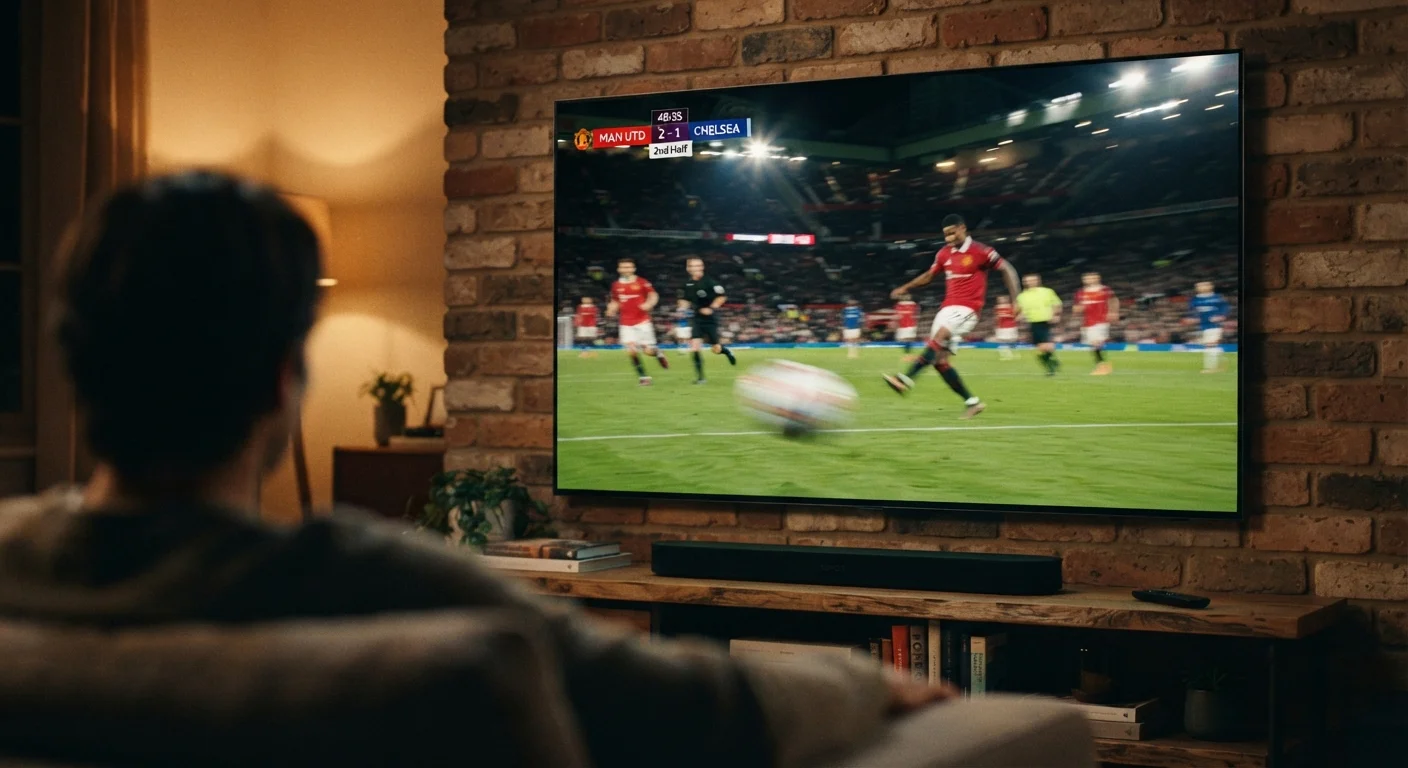
For slow or stationary content - a news anchor, a landscape shot, a dinner scene - this difference is largely invisible. The gap becomes meaningful when something moves quickly across the screen: a tennis ball, a sprinting receiver, a car chase. At that point, how frequently the screen refreshes determines whether motion looks smooth or smeared.
It's worth separating two related but distinct concepts: the TV's panel refresh rate (a hardware spec) and the frame rate of the content you're watching (determined by how it was filmed or broadcast). Most theatrical films are shot at 24 frames per second. Standard broadcast TV and many streaming services deliver content at 30 or 60fps. A 120Hz panel can only display 120 distinct frames per second if the incoming signal actually contains that many - otherwise, it repeats or interpolates frames to fill the gap. See our TV resolution explainer for how resolution specs interact with these same signal considerations.
Why Motion Blur Happens - and When It Matters
Motion blur on a TV isn't a single problem - it has two main sources. The first is sample-and-hold blur, which occurs because LCD panels hold each frame fully illuminated until the next frame arrives. During fast motion, your eye tracks the object across that held frame, perceiving a smear. The second source is pixel response time: how quickly an individual pixel can change from one color to another. Slower response times leave trailing artifacts behind moving objects.
Higher refresh rates help because more frequent updates give your eye less time to track an object across a static frame. But refresh rate alone doesn't eliminate blur - backlight technology, panel type, and response time all contribute. This is one reason different display technologies like OLED and LCD can handle motion quite differently even at the same stated refresh rate.
24fps
Standard frame rate for theatrical films
Most cinema and streaming movies are mastered at 24 frames per second, well below even a 60Hz panel's maximum.
120Hz
Panel refresh rate for high-end TVs
120Hz panels are increasingly common in mid-to-upper-tier TVs and are required to display 120fps content from gaming consoles without frame-doubling.
60fps
Typical ceiling for broadcast sports
Most live sports broadcasts in the US are delivered at up to 60 frames per second, matching the output of a standard 60Hz display.
For most casual viewing - sitcoms, dramas, news - motion blur isn't a meaningful concern. It becomes noticeable during live sports with lateral camera pans, action sequences with rapid cuts, or competitive gaming where split-second visual clarity matters.
Motion Smoothing: What It Is and Why Viewers Often Disable It
Because most content doesn't natively run at a TV's full refresh rate, manufacturers developed motion smoothing - also called motion interpolation or, by various brand-specific names, technologies that generate synthetic frames between real ones to fill gaps. The result is a higher apparent frame rate, which reduces judder (the slight stutter visible in 24fps content on some displays).
The side effect is what viewers commonly call the soap opera effect: filmed content suddenly looks unnaturally fluid, more like live video than cinema. This happens because the smooth motion we associate with filmed stories is partly a product of 24fps - remove it, and familiar films can feel clinical or cheap. Most filmmakers and cinematographers have publicly objected to the effect for this reason.
Try Turning Motion Smoothing Off for Movies
If your TV arrived out of the box with motion smoothing enabled, try disabling it when watching films. Look for settings labeled 'Motion Rate,' 'TruMotion,' 'MotionFlow,' or 'Auto Motion Plus' in your picture menu. Many viewers find the cinematic quality of movies improves noticeably once interpolation is turned off.
Motion smoothing is adjustable on virtually every modern TV. Settings menus typically label it under names like "Motion Rate," "Auto Motion Plus," "TruMotion," or "MotionFlow." You can usually reduce the intensity or disable it entirely. Many viewers keep it on for sports - where smoothness is genuinely useful - and off for movies. For a broader look at which settings are worth adjusting, see our guide on getting the most from your TV's picture settings.
When a Higher Refresh Rate Makes a Real Difference
A 120Hz panel provides a concrete, visible benefit in two main scenarios. The first is gaming: modern consoles and gaming PCs can output at 120fps, and pairing that signal with a 120Hz TV produces genuinely smoother, more responsive gameplay. The second is high-frame-rate sports content, where some broadcasters have experimented with 60fps or higher delivery.
Outside of those scenarios, the benefit is less clear-cut. Standard streaming content, movies, and broadcast TV at 24-60fps will not look dramatically different on a 120Hz panel compared to a well-calibrated 60Hz panel - assuming motion smoothing is handled similarly on both. The panel's quality, calibration, and backlight behavior typically matter more for everyday viewing than the refresh rate number alone.
If you're evaluating TVs primarily for movies and general streaming, refresh rate is worth understanding but shouldn't necessarily be a deciding factor on its own. If sports or gaming is a priority, a native 120Hz panel with low input lag becomes more relevant to consider.
Frequently Asked Questions
Not necessarily for all content. A 120Hz panel offers a real advantage when the source material is delivered at high frame rates, such as certain video games or native 120fps streams. For standard broadcast TV, movies, and most streaming content at 30-60fps, the practical difference may be minimal.
Motion blur occurs when an object moves across the screen faster than the panel can fully update the image between frames. It can also be introduced by how the TV's backlight holds each frame. Both the panel's response time and its refresh rate affect how much blur you see.
The soap opera effect is a term for the overly smooth, almost hyper-real look that motion-smoothing processing can create. It makes filmed content look more like live video, which many viewers find unnatural. It can typically be reduced or disabled in the TV's motion or picture settings.
Motion smoothing improves perceived smoothness by inserting interpolated frames, but it also introduces processing artifacts and that distinctive 'soap opera' look. Many viewers - and most filmmakers - prefer it turned off for movies and narrative content, while some find it helpful for sports.
High refresh rates and resolutions (like 4K at 120Hz) require sufficient bandwidth, which means using an HDMI 2.1 cable and a compatible port on your TV. Standard HDMI 2.0 cables typically support 4K at 60Hz but may not carry 4K at 120fps without limitations.
The physical panel's refresh rate is fixed hardware. However, most TVs let you adjust motion processing settings - such as motion smoothing strength or blur reduction - through the picture settings menu. These controls affect how the TV handles motion without changing the panel itself.
The content on this site is for informational purposes only and is not a substitute for professional advice. Always consult a qualified professional for guidance specific to your situation.