

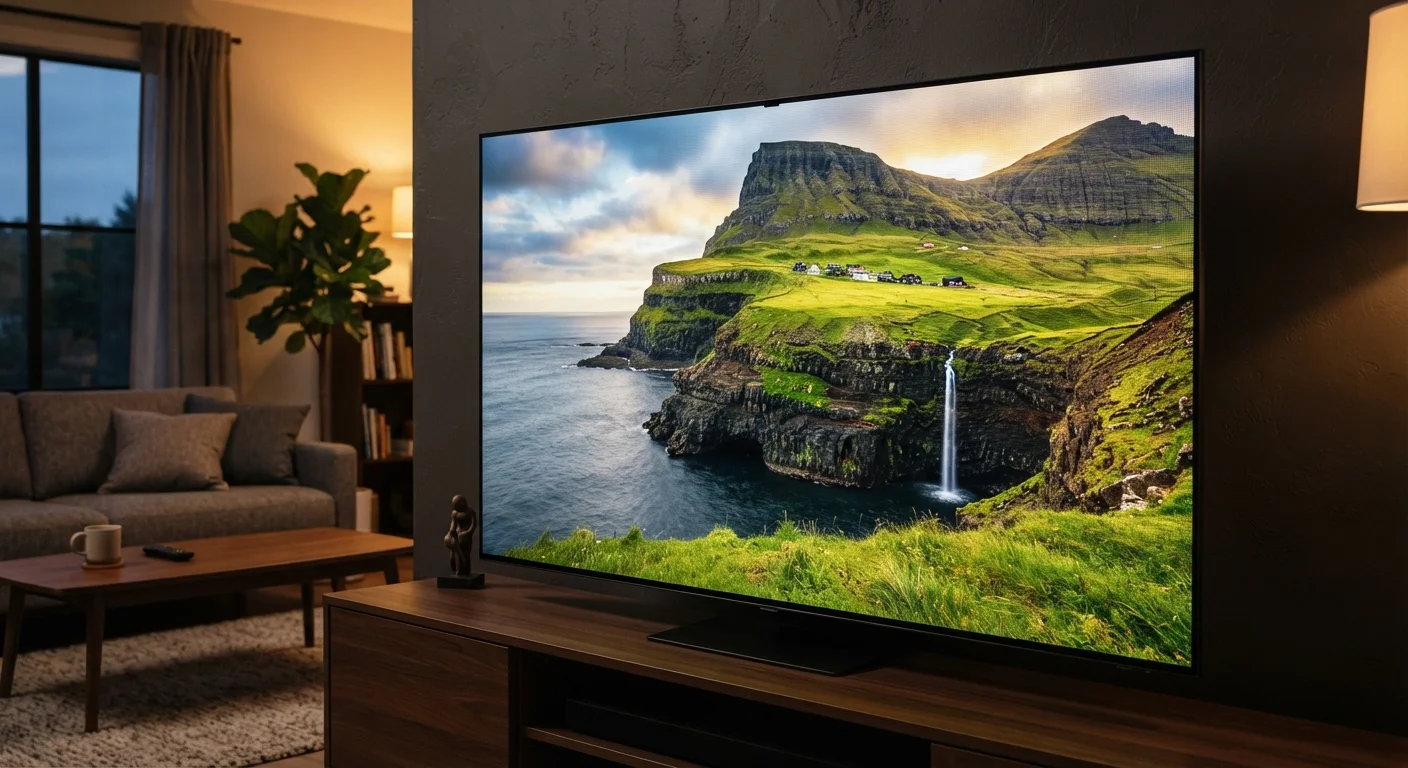
What 4K Actually Means
When a TV is labeled 4K - also called Ultra HD or UHD - it means the screen contains approximately 8.3 million pixels arranged in a grid of 3840 columns by 2160 rows. Compare that to 1080p Full HD, which holds about 2.1 million pixels, and you can see why 4K is described as four times the resolution.
In practice, more pixels means finer detail. Textures in nature documentaries, text in a sports broadcast, and the subtle grain in a film all appear sharper and more distinct on a 4K panel than on a 1080p one - assuming you're close enough and the content itself is 4K. That last point matters: a 4K TV displaying a standard-definition signal won't look dramatically better. The screen must receive genuine 4K content to show the difference.
Viewing distance also plays a large role. Screen size and viewing distance interact directly - the human eye can only perceive extra pixel detail up to a certain distance relative to screen size. On a 65-inch TV viewed from eight feet, 4K is clearly distinguishable from 1080p. On a 40-inch TV from the same distance, the gap becomes much smaller.
8.3M
Pixels in a 4K Ultra HD screen
A 3840×2160 pixel grid - four times the pixel count of a 1080p Full HD display.
33M
Pixels in an 8K screen
8K's 7680×4320 resolution quadruples 4K, but perceptible benefit depends heavily on screen size and viewing distance.
3
Major HDR formats in wide use
HDR10, Dolby Vision, and HLG are the most commonly supported standards across TVs and streaming platforms.
HDR: The Spec That Often Makes a Bigger Visual Impact
HDR, or High Dynamic Range, describes a TV's ability to display a wider range of brightness levels and a broader palette of colors. A screen with HDR support can reproduce bright highlights - like sunlight reflecting off water - without washing them out, while simultaneously showing deep, detailed shadows in the same frame.
Many viewers find HDR makes a more immediately noticeable difference than resolution alone. A 4K image with HDR will typically look more vivid and realistic than a 4K image without it, because the eye is highly sensitive to contrast and color variation.
There are several HDR standards in use. HDR10 is the baseline open format supported by almost all HDR-capable TVs and content platforms. Dolby Vision builds on HDR10 by adding scene-by-scene or even frame-by-frame metadata, allowing the TV to optimize brightness dynamically - it's widely regarded as the more capable format where supported. HLG (Hybrid Log-Gamma) is designed for broadcast and live television.
Check Both Resolution and HDR Format
When evaluating a TV's HDR capabilities, look beyond the general "HDR supported" label. Confirm which specific formats the TV accepts - HDR10, Dolby Vision, HLG - and cross-reference those with the formats used by your preferred streaming services or Blu-ray player. A mismatch won't break anything, but you may not be getting the full quality the content was mastered to deliver.
The panel technology underneath also influences how well a TV delivers HDR. OLED, QLED, and LED panels each handle brightness and contrast differently, which affects how fully a given TV can express HDR content.
What 8K Is - and Why It Matters Less Right Now
8K resolution (7680×4320 pixels) quadruples the pixel count of 4K, packing roughly 33 million pixels onto a single screen. The mathematics are impressive. The real-world viewing benefit, for most consumers today, is limited.
The central problem is content. As of now, native 8K video is extremely rare. Major streaming platforms do not offer 8K libraries, and physical 8K media has not gained commercial traction. Most 8K TVs upscale 4K content using onboard processing - that improves sharpness somewhat but is not the same as genuine 8K source material.
There's also a perceptual limit. To see the additional detail of 8K over 4K, you would need either a very large screen - generally 75 inches or more - or to sit unusually close. For a typical living room setup, the resolution difference between 4K and 8K is considered imperceptible by most industry and academic analyses of human visual acuity.
8K Upscaling Is Not the Same as Native 8K
Most 8K TVs advertise onboard upscaling that converts lower-resolution content to near-8K quality. This processing can improve perceived sharpness, but it is an estimation of detail rather than actual captured resolution. The result varies significantly by TV and content type, and it should not be treated as equivalent to native 8K source material.
For most consumers, 4K represents the practical resolution ceiling where real viewing conditions, available content, and visible benefit intersect. That may change over time as 8K content infrastructure matures, but it describes the current landscape accurately.
Making Sense of These Specs When You're Shopping
Resolution and HDR are meaningful specs, but they don't tell the whole picture on their own. A few principles help put them in context.
- Content must match the spec. A 4K HDR TV is only displaying 4K HDR when it receives a 4K HDR signal. Check that your streaming service, Blu-ray player, or cable/satellite box actually outputs at the resolution you want.
- Your HDMI connection matters. Older HDMI ports can bottleneck signal quality. Common misconceptions about HDMI cables are widespread - what matters most is the HDMI version (2.0 or 2.1), not cable price.
- Picture settings have a significant impact. Even a capable 4K HDR TV can look mediocre with factory settings tuned for bright showrooms. Adjusting your TV's picture settings is one of the most effective steps you can take after setup.
- Resolution is one variable among several. Refresh rate affects motion handling separately from resolution, and both contribute to overall picture quality in different scenarios.
Understanding what each spec actually controls - rather than treating higher numbers as uniformly better - puts you in a much stronger position to evaluate what a given TV will actually look like in your room. For a broader reference on display terminology, a plain-English home theater glossary can help decode the remaining spec-sheet language.
Frequently Asked Questions
For screens 55 inches and larger viewed from about 6-10 feet away, 4K resolution is generally visible and meaningful. On smaller screens or from farther distances, the difference over 1080p can be hard to detect. The availability of 4K streaming content also makes it a reasonable baseline expectation today.
HDR (High Dynamic Range) and 4K are separate specifications. Resolution (4K) controls how many pixels a screen has, while HDR controls brightness range, contrast, and color accuracy. A TV can support one without the other, though most modern 4K TVs also include at least one HDR standard.
The most common HDR formats are HDR10, Dolby Vision, and HLG. HDR10 is an open standard widely supported across devices. Dolby Vision uses dynamic metadata to optimize picture settings scene by scene and is generally considered the most capable format. HLG is designed primarily for broadcast content.
For most consumers, 8K offers little practical benefit at this time. Native 8K content is extremely scarce, and the resolution difference over 4K is imperceptible unless you're viewing a very large screen at close range. Most industry observers consider 4K the practical ceiling for typical home viewing conditions.
Major streaming services do offer 4K HDR content, but the quality depends on your internet connection speed and the platform's compression method. A reliable broadband connection of at least 25 Mbps is generally recommended for stable 4K streaming, though specific requirements vary by service.
Not all HDMI cables and ports support 4K or 8K signals at full quality. HDMI 2.0 handles 4K at 60Hz, while HDMI 2.1 is needed for 4K at 120Hz or any 8K signal. Using an older cable or port can limit the resolution and frame rate your TV actually receives.
The content on this site is for informational purposes only and is not a substitute for professional advice. Always consult a qualified professional for guidance specific to your situation.