

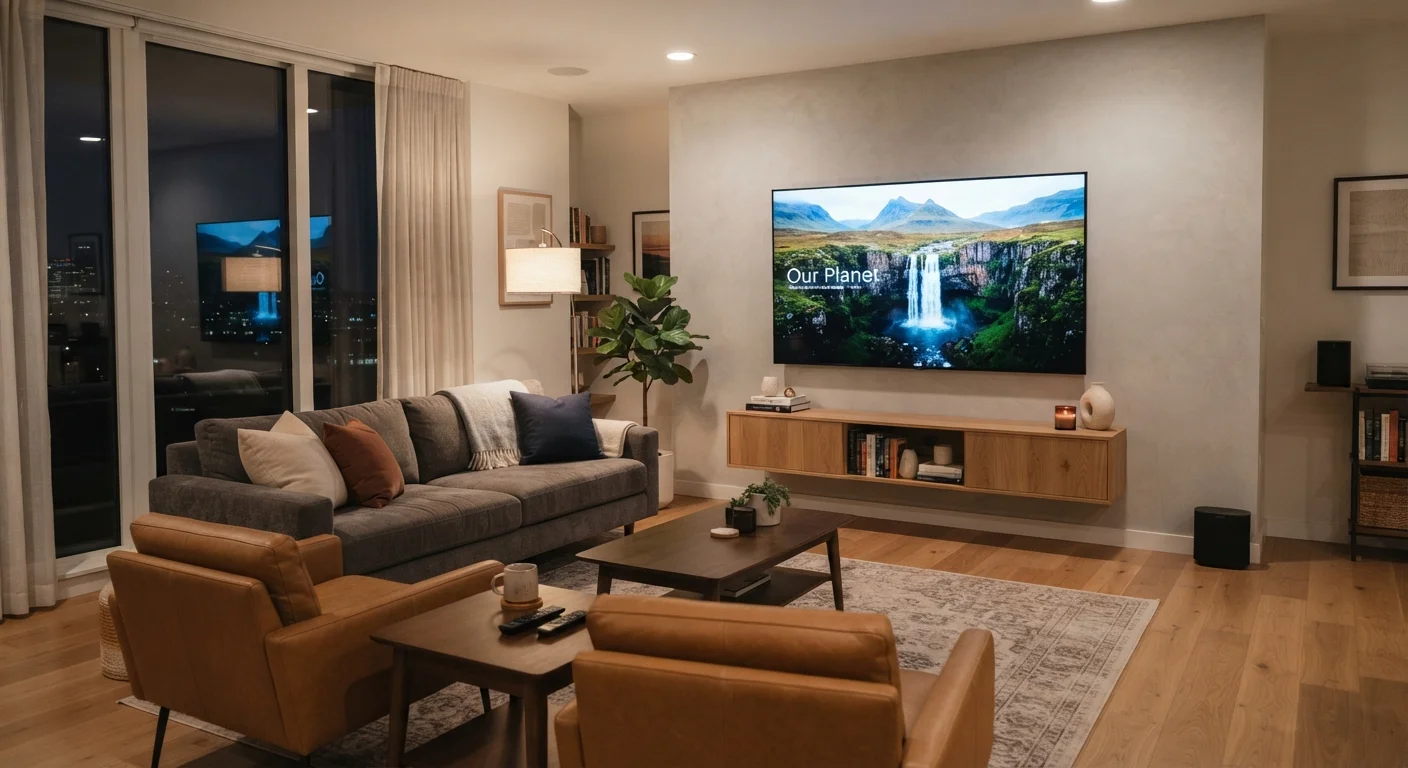
Why This Relationship Matters Before You Buy
Many people choose a TV screen size based on what looks impressive in a store or what fits a budget - but the most important factor is often overlooked entirely: where you'll actually be sitting. A screen that feels perfectly sized in one room can feel cramped or overwhelming in another, simply because the seating distance is different.
The core principle is straightforward: the further you sit from the screen, the larger it needs to be to fill your field of view comfortably. Conversely, a very large screen at a short viewing distance can be harder to watch, not easier. Getting this balance right makes a meaningful difference in daily comfort.
Understanding how resolution ties into this matters too. TV resolution affects how close you can sit without the image looking pixelated - so screen size, distance, and resolution decisions are all connected.
The Viewing Distance Formula Explained
A widely used starting point is to multiply the TV's diagonal screen measurement by 1.5 to find a comfortable minimum seating distance, and by 2.5 for a reasonable maximum. For a 55-inch TV, that puts the suggested range between roughly 6.9 and 11.5 feet.
These numbers come from research into human field of view. When a screen occupies too small an angle of your vision, you lose immersion. When it occupies too large an angle, your eyes strain to scan across it. The sweet spot sits around a 30-40 degree viewing angle for most living room setups.
1.5-2.5x
Recommended seating distance multiplier
Home theater guidelines generally recommend sitting between 1.5 and 2.5 times the screen's diagonal measurement away from the TV for comfortable viewing.
30-40°
Ideal horizontal field of view
Display and home theater organizations commonly cite a viewing angle of 30 to 40 degrees as the target range for an immersive but comfortable picture.
4x
Pixel density increase from 1080p to 4K
A 4K display packs approximately four times as many pixels as a 1080p screen of the same size, allowing closer seating without visible pixelation.
It's worth measuring your actual seating distance before shopping, rather than estimating. Use a tape measure from your sofa to the wall or TV stand. That single number - your real-world distance - tells you more than any room description will.
How Resolution Changes the Equation
Resolution determines how densely packed pixels are on a screen. A 4K TV has roughly four times as many pixels as a 1080p screen of the same size, meaning those pixels are much smaller and harder to distinguish individually. This lets you sit closer without seeing a grid-like pixel pattern.
In practical terms, someone with a 4K TV can sit at the minimum end of the recommended distance range and still enjoy a sharp, detailed image. On a 1080p TV at the same screen size, sitting that close might reveal pixelation, especially during static shots or text.
This is why a household upgrading from a 50-inch 1080p TV to a 65-inch 4K model at the same seating position might actually find the experience more comfortable - not just bigger. The higher pixel density compensates for the larger screen at shorter distances.
Measure Before You Shop
Before browsing TV sizes, use a tape measure to record the exact distance from your primary seating position to where the TV will be placed. This single number gives you a concrete size range to shop within, removing the guesswork. It also helps you avoid the common mistake of buying based on what looks large in a store rather than what works in your actual room.
Room Layout Factors That Complicate the Calculation
The formula is a useful starting point, but real rooms have real constraints. Furniture placement, doorways, and windows all shape where the TV can realistically go and where viewers actually sit. A few practical considerations are worth checking:
- Eye level: The center of the screen ideally sits at or slightly below seated eye level. Mounting a TV high on a wall forces upward neck strain over time.
- Light sources: Windows and overhead lights create glare that affects picture quality regardless of screen size. Consider where reflections fall before finalizing TV placement.
- Multiple seating positions: If viewers sit at very different distances - say, both on a nearby couch and at a kitchen island - the ideal screen size becomes a compromise between those extremes.
For rooms where space is genuinely tight, setting up a home theater in a small room requires different tradeoffs than a traditional living room arrangement.
Viewing Angle Isn't One-Size-Fits-All
The 30-40 degree field-of-view target is a general guideline, not a universal rule. Some viewers prefer a more cinematic, immersive feel and sit closer intentionally. Others find that range too intense and prefer a more relaxed, smaller-angle view. Personal comfort should be the final arbiter, especially for households where the TV is on for extended periods.
Putting It All Together Before You Decide
The practical approach is to measure first, then shop. Write down your primary seating distance, note any room constraints, and use the 1.5-2.5x formula to identify a realistic screen size range. From there, resolution and budget determine which specific screens fall within that range.
Once you have a TV in place, the picture settings themselves deserve attention. Most TVs ship with factory modes optimized for bright retail floors, not living rooms - adjusting your TV's picture settings can make a correctly sized screen look significantly better without spending anything extra.
For those considering large-format display options beyond traditional TVs, projectors introduce their own distance and brightness tradeoffs that differ substantially from flat panels.
Frequently Asked Questions
For a 65-inch 4K TV, a seating distance of roughly 8 to 11 feet is commonly recommended. At that range, you're close enough to benefit from the high resolution without the screen feeling overwhelming. Exact comfort varies by individual preference and room layout.
Not automatically. A very large screen in a room where seating is positioned close to it can feel uncomfortable and make it harder to take in the full picture. The key is matching screen size to the distance between the TV and your primary seating position.
Yes. Higher-resolution TVs - like 4K models - let you sit closer before individual pixels become visible. With a 1080p TV at the same screen size, you'd need to sit slightly farther back to avoid seeing pixel structure. This is why resolution and viewing distance are connected decisions.
Sitting too close can cause eye fatigue, make it difficult to take in the whole image at once, and may reveal visible pixel structure on lower-resolution screens. Most people find it uncomfortable to track action or read on-screen text when the screen fills too much of their field of view.
A practical starting point is to multiply the screen's diagonal measurement (in inches) by 1.5 for the minimum comfortable distance and by 2.5 for the maximum. These are rough guidelines - personal preference, room constraints, and screen resolution all play a role in finding your ideal spot.
The content on this site is for informational purposes only and is not a substitute for professional advice. Always consult a qualified professional for guidance specific to your situation.