

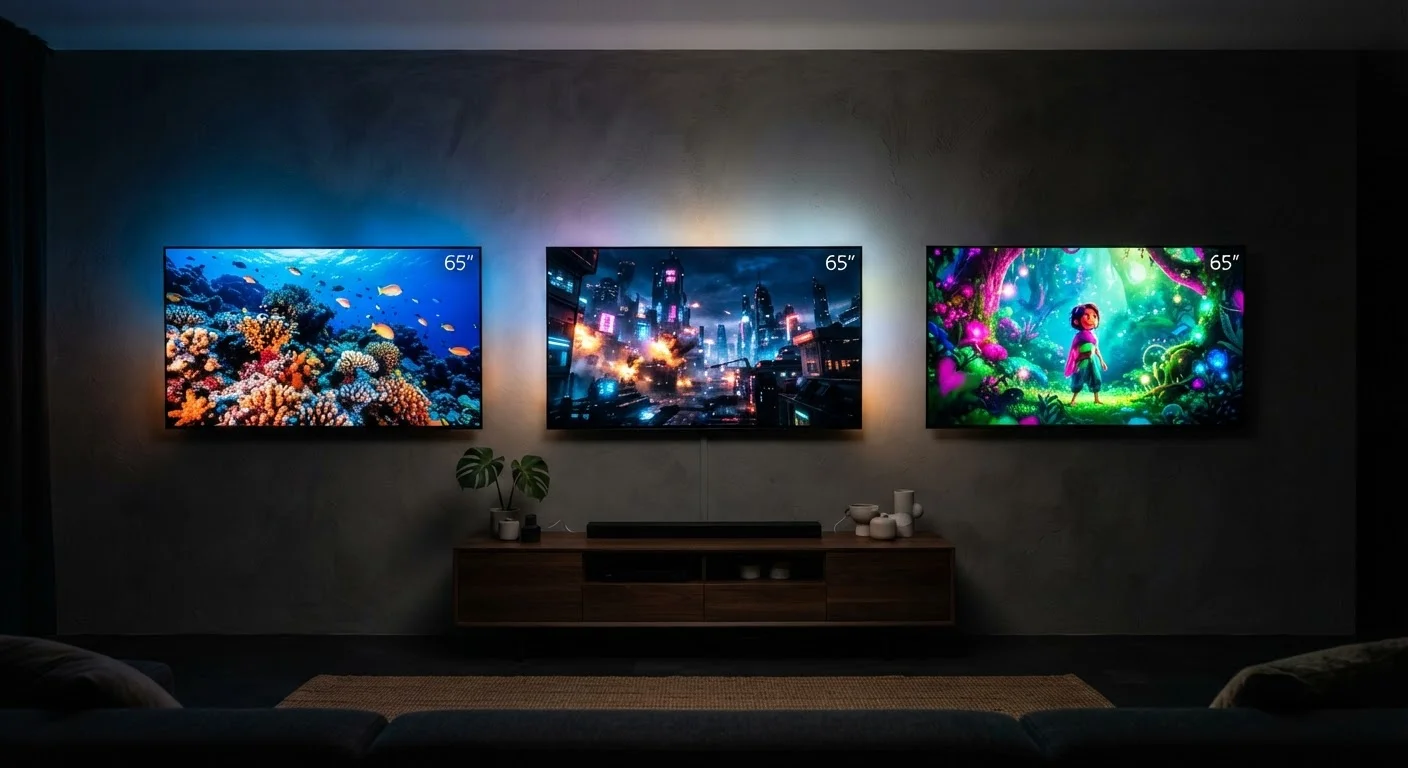
Option A
OLED
The contrast-first choice for dark-room viewing.
Best for: Viewers who prioritize deep blacks, wide viewing angles, and cinema-style picture quality in controlled lighting.
Option B
QLED & LED
The brightness-first choice for well-lit spaces.
Best for: Households that watch TV in bright rooms and want strong peak brightness and long-term durability at various price points.
How Each Technology Actually Works
Understanding the difference between OLED, QLED, and LED starts with one key question: where does the light come from?
LED TVs - the most common type on the market - use a panel of liquid crystals (LCD) that block or pass light from a separate backlight made of light-emitting diodes. That backlight illuminates the entire screen. Edge-lit models place LEDs around the perimeter; full-array models spread them across the back panel. Because the backlight is always on, producing true black requires blocking light completely, which isn't fully achievable - resulting in some light bleed in dark scenes.
QLED stands for Quantum Light-Emitting Diode. Despite the similar name, it is not a fundamentally different display type - it is an LED/LCD panel enhanced with a layer of quantum dots, which are microscopic semiconductor particles that convert backlight energy into more precise colors. The result is a wider color gamut and higher peak brightness compared to standard LED. QLED is still backlit, so it shares the same contrast limitations as LED. For a broader look at how resolution and HDR interact with these panel types, see TV Resolution Explained.
OLED - Organic Light-Emitting Diode - works entirely differently. Each pixel generates its own light and can be switched off individually. When a pixel is off, it emits no light at all, producing an absolute black. This self-emissive design eliminates the need for a backlight entirely, enabling contrast ratios that LED-based panels cannot physically match.
| Criterion | OLED | QLED / LED |
|---|---|---|
| Light source | Self-emissive pixels | LED backlight |
| Black level / contrast | True black, infinite contrast | Good to very good; limited by backlight |
| Peak brightness | Moderate to high | High to very high (QLED especially) |
| Burn-in risk | Present with prolonged static images | Not a meaningful concern |
| Viewing angle | Wide and consistent | Varies; can degrade at wide angles |
| Typical price range | Mid to premium | Budget to premium |
| Best room lighting | Dim or dark environments | Bright or variable lighting |
Picture Quality: Contrast, Color, and Brightness
Contrast is where OLED holds its clearest advantage. Because individual pixels switch off completely, OLED panels can display a bright star against a pitch-black sky with no halo or glow around it - a phenomenon called blooming that affects LED and QLED when bright objects appear next to dark areas.
Brightness tells a different story. QLED panels can sustain higher peak brightness levels than most OLED displays, which is a practical advantage in rooms with significant ambient light. Strong peak brightness also contributes to more impactful HDR (High Dynamic Range) highlights - the intense specular reflections, flames, and sunlit surfaces that HDR content is designed to show.
Color accuracy is strong across all three types in well-calibrated units, but QLED's quantum dot layer enables a wider color volume - meaning it can display more saturated colors at high brightness levels, while OLED's color tends to be more accurate at lower brightness. Most viewers won't notice meaningful color differences in everyday content.
~0.0005 nits
Typical OLED minimum black level
Display measurement labs have recorded OLED black levels near zero, a contrast floor that LED-based panels cannot approach due to backlight bleed.
2,000+ nits
Peak brightness in high-end QLED panels
High-end QLED models have been measured exceeding 2,000 nits peak brightness in HDR mode, compared to many OLEDs that peak between 800 and 1,500 nits.
100,000 hours
Rated lifespan for OLED panels
Panel manufacturers generally rate OLED displays at around 100,000 hours to half-brightness, which at typical viewing hours translates to decades of use.
Viewing angle is another consideration: OLED panels maintain consistent color and brightness when viewed from the side, while many LED and QLED panels can show color shift or brightness drop at wider angles, though high-end VA and IPS panel variants perform better than budget options. Factory picture settings on any panel type often need adjustment - optimizing your TV's picture settings can meaningfully improve what you see regardless of which technology you own.
Practical Considerations: Burn-In, Longevity, and Room Fit
OLED's primary real-world concern is burn-in - the gradual, permanent discoloration that can occur when the same static image is displayed for many hours repeatedly. Channel logos, news tickers, and game HUDs are common culprits. Manufacturers include pixel-shift and screen-saver features to reduce this risk, and for typical mixed-use viewing it rarely becomes a problem. However, viewers who leave a single channel on all day or use the TV as a permanent computer display should weigh this risk carefully.
LED and QLED panels are not susceptible to burn-in in the same way. Their longevity is generally predictable and well-documented across years of consumer use.
Newer OLED Variants Are Reducing the Gap
Display technologies labeled QD-OLED combine quantum dot color filters with an OLED panel to achieve higher brightness and wider color volume than traditional OLED while retaining per-pixel contrast. Micro-LED is another emerging technology that uses microscopic self-emissive LEDs per pixel, aiming to match OLED contrast with higher brightness. These formats are at early stages of mainstream availability and remain at premium price tiers as of their introduction.
Screen size and physical design also differ. OLED panels can be made very thin and even flexible, as they require no backlight housing. LED and QLED TVs vary in depth depending on backlight design, though modern units are slim across all types.
For content involving fast-moving action, the panel type interacts with refresh rate and motion processing settings - topics covered in depth in Refresh Rate, Motion Blur, and Why Fast Action Looks Different on Some TVs. And if you're thinking about how your display connects to streaming services or smart features, Streaming Devices and Smart TVs: Understanding the Difference explains how built-in smart platforms compare to external streaming hardware. For a comprehensive overview of home electronics decisions, Everything Home Electronics is a useful starting point.
The content on this site is for informational purposes only and is not a substitute for professional advice. Always consult a qualified professional for guidance specific to your situation.