

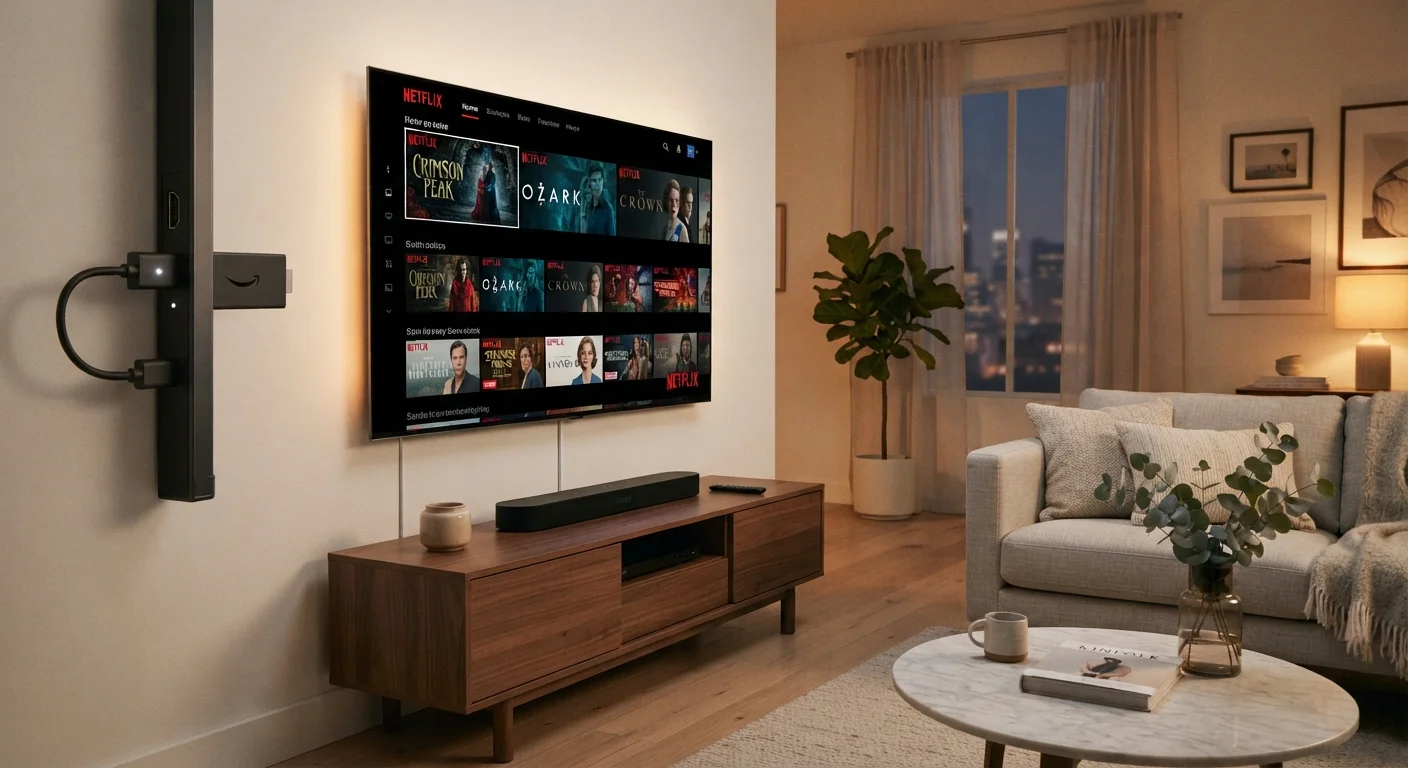
Option A
Smart TV Built-In Apps
The all-in-one, nothing-extra-needed approach.
Best for: Viewers who want a clean, cable-free setup without plugging in additional hardware.
Option B
Dedicated Streaming Device
The flexible, consistently updated streaming layer.
Best for: Anyone who wants faster performance, more app options, or the ability to upgrade their streaming experience independently of their TV.
What Each Option Actually Is
A smart TV is a television with internet connectivity and streaming apps built directly into its operating system. When you power on the TV, you can navigate to apps like Netflix or YouTube without connecting anything extra. The streaming software runs on the TV's internal processor and memory.
A dedicated streaming device - such as a streaming stick or set-top box - is a separate piece of hardware you plug into a TV's HDMI port. It runs its own operating system, connects to your Wi-Fi, and outputs picture and sound through that port. The TV itself becomes just a display; all the streaming intelligence lives in the external device.
Both approaches get you to the same streaming services, but the underlying experience - speed, app availability, and longevity - can differ noticeably. For a broader look at home entertainment setup decisions, see our comprehensive home electronics guide.
Performance and Software Updates
This is where the two approaches diverge most in everyday use. Smart TVs are manufactured with a fixed internal processor and a set amount of memory. Streaming apps - especially those supporting 4K video and complex interfaces - grow more demanding over time, while the TV's hardware stays the same. The result is a gradual slowdown that many owners notice within a few years of purchase.
Understanding why smart TVs slow down helps set realistic expectations: this is a hardware constraint, not a fixable bug. TV manufacturers also vary widely in how long they continue pushing operating system updates to older models.
Dedicated streaming devices are designed around their software platform and are typically updated more aggressively. Because the device is purchased separately, manufacturers have a direct incentive to keep the platform competitive. When performance degrades - usually after several years - replacing just the streaming device costs far less than replacing the television.
3-5 years
Typical smart TV software support window
Industry observers generally note that most TV manufacturers provide active OS updates for roughly three to five years after a model's release, after which platforms may stagnate.
1 HDMI port
Hardware needed to add a streaming device
Any television with a single available HDMI input can support a dedicated streaming device, making the upgrade accessible on sets as old as a decade or more.
App Ecosystems and Compatibility
Major streaming services are available on virtually every platform, both smart TV and external device. However, niche apps, regional services, or newer platforms sometimes arrive on certain ecosystems before others - or not at all. If you rely on a specific app, verifying its availability on your target platform before purchasing is worthwhile.
Smart TV platforms vary by manufacturer. Some run proprietary systems while others use shared platforms. Dedicated streaming devices consolidate a large app library under one consistent interface regardless of what TV brand you own.
| Criterion | Smart TV Built-In Apps | Dedicated Streaming Device |
|---|---|---|
| Additional hardware required | None | Yes - plugs into HDMI port |
| Performance over time | Can slow as apps grow heavier | Generally more consistent |
| Software update frequency | Varies by manufacturer | Typically more frequent |
| Portability | Not portable | Compact and travel-friendly |
| Works with non-smart TVs | No | Yes, via any HDMI port |
| Upgrade cost when outdated | Full TV replacement | Device only - relatively low cost |
| Remote setup | Single TV remote | Separate device remote (or app) |
If you're also evaluating the display technology behind your TV itself, our breakdown of OLED, QLED, and LED differences covers what those panel types mean for picture quality.
Setup, Convenience, and Flexibility
Smart TVs win on simplicity at initial setup. There's nothing to plug in beyond the TV itself, and most manufacturers walk you through app setup during first-boot configuration. One remote handles everything.
Dedicated streaming devices add a small amount of hardware: the device, a power cable, and usually a separate remote. However, that trade-off delivers flexibility. You can move the device between TVs, take it to a hotel or vacation rental, or swap it out when a newer model releases - without touching your television. It also means someone with an older flat-panel that lacks smart features can add full streaming capability through a single HDMI port.
Using Both Together Is Common
Many households run a dedicated streaming device even on a brand-new smart TV - using the external device as the primary interface while the TV's built-in apps remain available as a backup. This is a practical arrangement when the streaming device's platform is preferred for speed or app selection. There's no technical conflict in having both active.
For viewers building out a complete home theater, pairing the right streaming source with good audio matters too. Our soundbar vs. surround sound comparison walks through the audio side of the equation.
The content on this site is for informational purposes only and is not a substitute for professional advice. Always consult a qualified professional for guidance specific to your situation.