

Why Habits Matter More Than Hardware
A laptop's lifespan is rarely determined by the quality of its components alone. Two people can buy the same model on the same day and end up with dramatically different experiences three years later - one still running smoothly, the other sluggish or failing. The difference is almost always how the machine is used and maintained day to day.
Much like the way deferred car maintenance quietly degrades an engine over time, small laptop oversights compound into real problems. Heat, battery wear, software bloat, and physical damage don't announce themselves early - they build gradually until performance noticeably suffers. Understanding what actually stresses a laptop helps you avoid those stressors before they cause lasting harm.
Charging Smart: The Battery Habits That Matter
Laptop batteries use lithium-ion chemistry, which degrades a little with every charge cycle. How you charge, though, has a meaningful effect on how fast that degradation happens.
Keeping the charge level between roughly 20% and 80% reduces chemical stress on the battery cells. Regularly draining to zero or keeping the laptop plugged in at 100% for extended periods both accelerate wear. Many modern laptops include a battery care or charge limit mode in their settings - worth enabling if your machine stays plugged in at a desk most of the time. The underlying science is the same as what affects smartphone batteries; lithium-ion degradation follows predictable patterns regardless of the device.
Heat Is the Hidden Enemy
Heat is one of the most damaging forces acting on laptop components - it accelerates wear on the battery, the processor, and other circuitry. Yet most users never think about it.
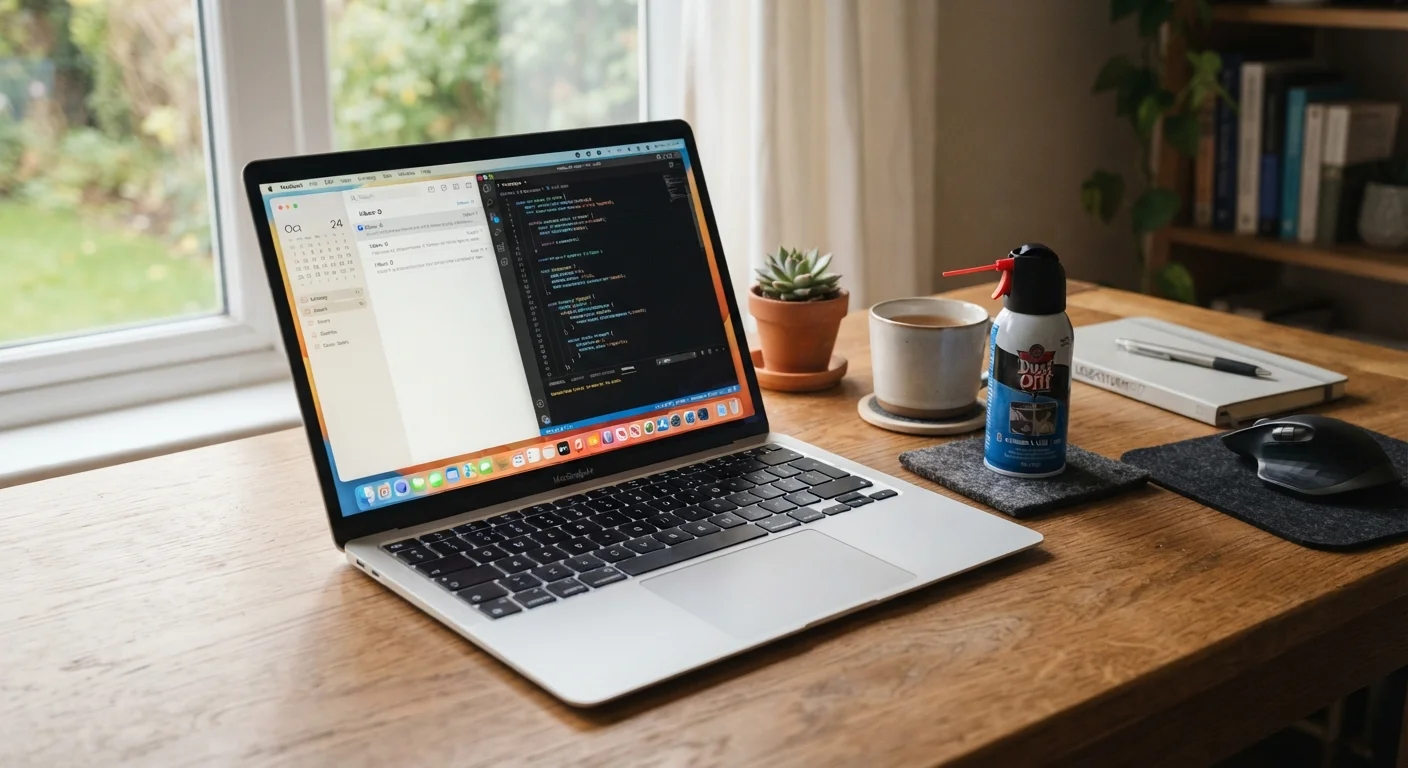
The primary culprit is blocked airflow. Laptop vents are typically on the bottom or sides; using the machine on a bed, couch, or pillow blocks them almost completely. A laptop cooling pad or simply using the machine on a hard, flat surface makes a genuine difference. Dust accumulation inside the vents is a slower but equally serious problem. Compressed air blown carefully into the exhaust vents every few months can clear debris before it builds into an insulating layer that traps heat.
Avoiding processor-intensive tasks while the laptop is on soft surfaces, and not leaving it in a hot car, are straightforward precautions that protect internal components over the long run.
Software Upkeep: The Maintenance Most People Skip
Physical care keeps the hardware healthy; software habits keep the system running efficiently. A laptop that was fast at purchase often slows down not because hardware has failed, but because software has accumulated unchecked.
Keeping the operating system and drivers updated closes security gaps and often fixes bugs that waste processing power. Removing programs you no longer use frees both storage and background resources - many applications run quietly at startup even when not actively open. Periodically reviewing your startup programs and disabling unnecessary ones is a simple task with a noticeable payoff in boot speed and general responsiveness.
Storage health matters too. Running a hard drive or solid-state drive (SSD) consistently at or near capacity stresses the storage system and can slow read and write speeds. Keeping at least 10-15% of total storage free is a practical general guideline.
Physical Care and Handling
Laptops are durable by design, but they're also portable - which means they face risks that a desktop never does. A short drop onto a hard floor, a bag without a padded sleeve, or a cable yanked from a port can cause damage that software maintenance cannot reverse. If you're still weighing whether a laptop suits your lifestyle at all, comparing desktops and laptops can help frame those trade-offs.
Keeping food and drinks away from the keyboard is a basic precaution that prevents one of the most common and expensive types of accidental damage. Wiping the screen with a dry or lightly dampened microfiber cloth - rather than paper towels or household cleaners - protects the display coating. And when transporting the machine, a padded sleeve or compartment in a bag absorbs the minor bumps that gradually loosen internal connections over time. These habits parallel the same kind of consistent attention that prevents avoidable car battery failures - small actions that feel optional until something breaks.
The content on this site is for informational purposes only and is not a substitute for professional advice. Always consult a qualified professional for guidance specific to your situation.