

Our Verdict
Smart speakers deliver genuine convenience for routines like timers, music, weather, and smart home control, but they do collect voice data by design. Understanding how that data is handled - and using the privacy controls available - makes a meaningful difference. Most households will find them useful; the key is configuring them intentionally rather than accepting all defaults.
Best for households that want hands-free convenience and are willing to spend a few minutes reviewing privacy settings during setup.
How Smart Speakers Actually Work
Smart speakers use a small, always-on processor to listen locally for a specific wake word - such as "Hey" followed by the assistant's name. Only after detecting that word does the device send audio to the manufacturer's cloud servers for processing. This distinction matters: the device is not streaming a continuous recording of your home.
Once a query reaches the cloud, the platform interprets your request, formulates a response, and sends it back to the speaker - all within a second or two. That cloud round-trip is why smart speakers require a persistent Wi-Fi connection and why your queries are associated with an account. Understanding this architecture helps clarify what privacy considerations are and aren't realistic to worry about.
For a broader look at how smart home devices fit alongside TVs and audio gear, see the complete home electronics guide.
The Real Privacy Picture
Every major smart speaker platform records and stores voice clips to improve recognition accuracy. That practice is disclosed in terms of service, but few people read those terms carefully at setup. The practical implications are worth knowing:
- False activations do happen - the device occasionally mishears ambient sound as its wake word and captures a short clip it wasn't intended to receive.
- Human review - in the past, some platforms used contractors to listen to small samples of recordings for quality assurance. Most have since made this opt-in or opt-out after public scrutiny.
- Data retention - platforms typically let you set auto-delete schedules (three months or eighteen months are common options) or delete clips manually at any time.
Physical Mute: The Most Reliable Privacy Control
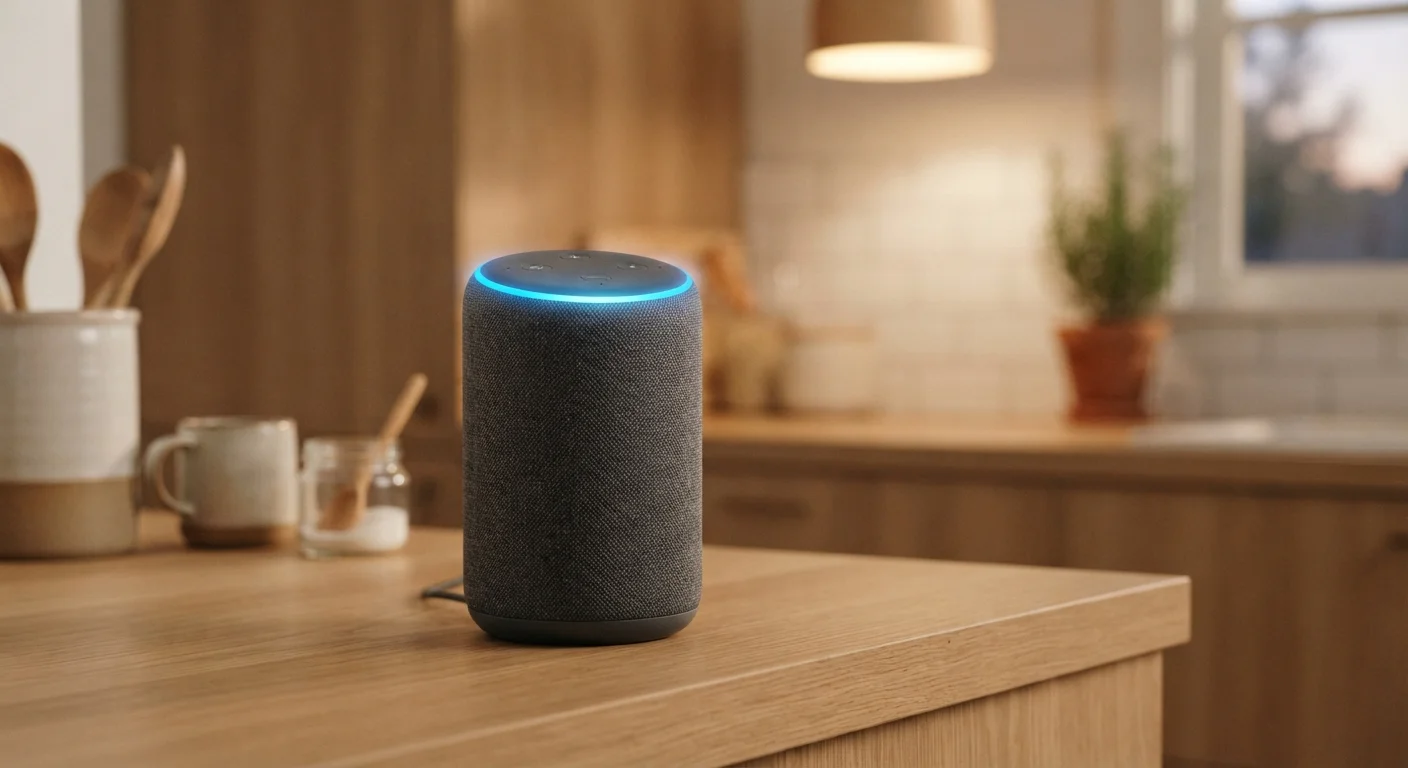
Every major smart speaker includes a physical mute button that disables the microphone at the hardware level. When engaged, the device cannot detect the wake word or transmit audio - no software update or policy change can override it. Making muting a habit during private conversations is the single most effective step users can take. Unlike software privacy modes, hardware mute does not rely on trusting the manufacturer's implementation.
Muting the microphone via the physical button on the device is the most reliable privacy step. When muted, the wake-word processor itself is disabled - the device cannot respond to voice at all until you unmute it. This is a hardware-level control, not a software setting.
For related thinking on app permissions and data access, see phone privacy settings most people overlook.
Genuine Advantages Worth Knowing
Despite valid privacy questions, smart speakers offer measurable everyday utility when used thoughtfully.
Hands-free control for timers, reminders, and music
Setting a kitchen timer or starting a playlist without touching a device is a small but genuinely useful convenience during busy routines.
Smart home integration simplifies device control
Compatible lights, thermostats, and locks can be controlled by voice, reducing friction for users who already have smart home devices installed.
Instant access to information without unlocking a screen
Quick factual queries - unit conversions, weather, sports scores - are answered faster than pulling out a phone, which adds up over a day.
Routine automation is easy to configure
Most platforms support routines that chain multiple actions (e.g., dimming lights, playing ambient sound, adjusting the thermostat) triggered by a single command.
They also work well as a complement to other home audio setups. If you're building out a listening room, see how smart audio integrates in our guide to setting up a home theater in a small space.
Honest Drawbacks to Consider
No device is a perfect fit for every household. Smart speakers come with trade-offs that are worth weighing before you commit to placing one in your home.
Always-on microphones create a genuine privacy trade-off
Even with wake-word-only activation, the microphone is continuously processing ambient audio locally, and false activations can capture unintended snippets.
Utility depends heavily on ecosystem compatibility
A speaker that doesn't natively support your thermostat brand or streaming service will feel limited - compatibility research before purchase avoids frustration.
Voice recognition accuracy varies with accents and background noise
Kitchens, households with children, and users with non-standard accents report more frequent misrecognitions, reducing the hands-free experience.
Cloud dependency means outages affect functionality
When the manufacturer's servers experience downtime - or your internet connection drops - most smart speaker features become unavailable entirely.
Default privacy settings favor data collection over restriction
Out of the box, most platforms retain voice recordings indefinitely unless you actively change retention settings, which many users never do.
~35%
US adults who own a smart speaker
Pew Research Center survey data indicates roughly one-third of US adults have a smart speaker in their home.
false activations
Occur multiple times per day on average
Academic research published in peer-reviewed journals has found that smart speakers can activate unintentionally multiple times daily due to phonetically similar sounds.
Configuring Your Speaker Thoughtfully
Most of the privacy and usability concerns with smart speakers are addressable through settings that exist but aren't prominently surfaced. Here's what to do after initial setup:
- Enable auto-delete for voice history. In the platform's companion app, set recordings to delete automatically after three months or less.
- Review connected services. Disable integrations you don't use - shopping, contacts access, or calendar permissions - to limit the data footprint.
- Place the device deliberately. Bedrooms and private conversations warrant more caution than a kitchen counter near the coffee maker.
- Establish a muting habit. Pressing the physical mute button during sensitive conversations costs nothing and provides real assurance.
Smart speakers are also becoming increasingly common in homes listed for sale - a consideration if you're preparing a property. For guidance on which home upgrades actually matter to buyers, see what to prioritize when preparing your home for sale.
The content on this site is for informational purposes only and is not a substitute for professional advice. Always consult a qualified professional for guidance specific to your situation.